

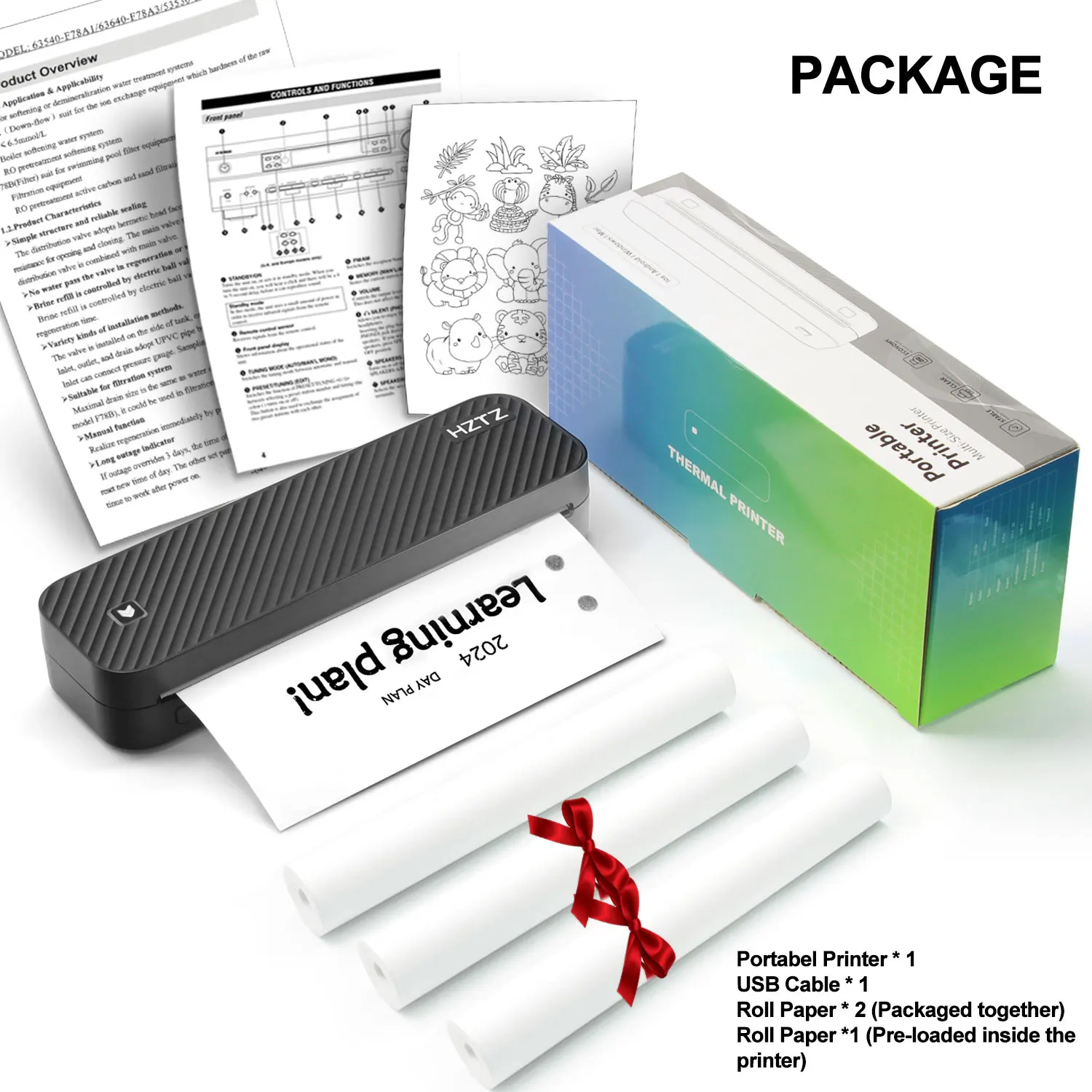
Inkless Portable A4 Thermal Printer Bluetooth PDF Excel Word Document Printing Machine Paper Roll For Office Work Home School
📦 In Stock – Fast Processing
🛡️ Lifetime Warranty
🔄 Money-Back Guarantee
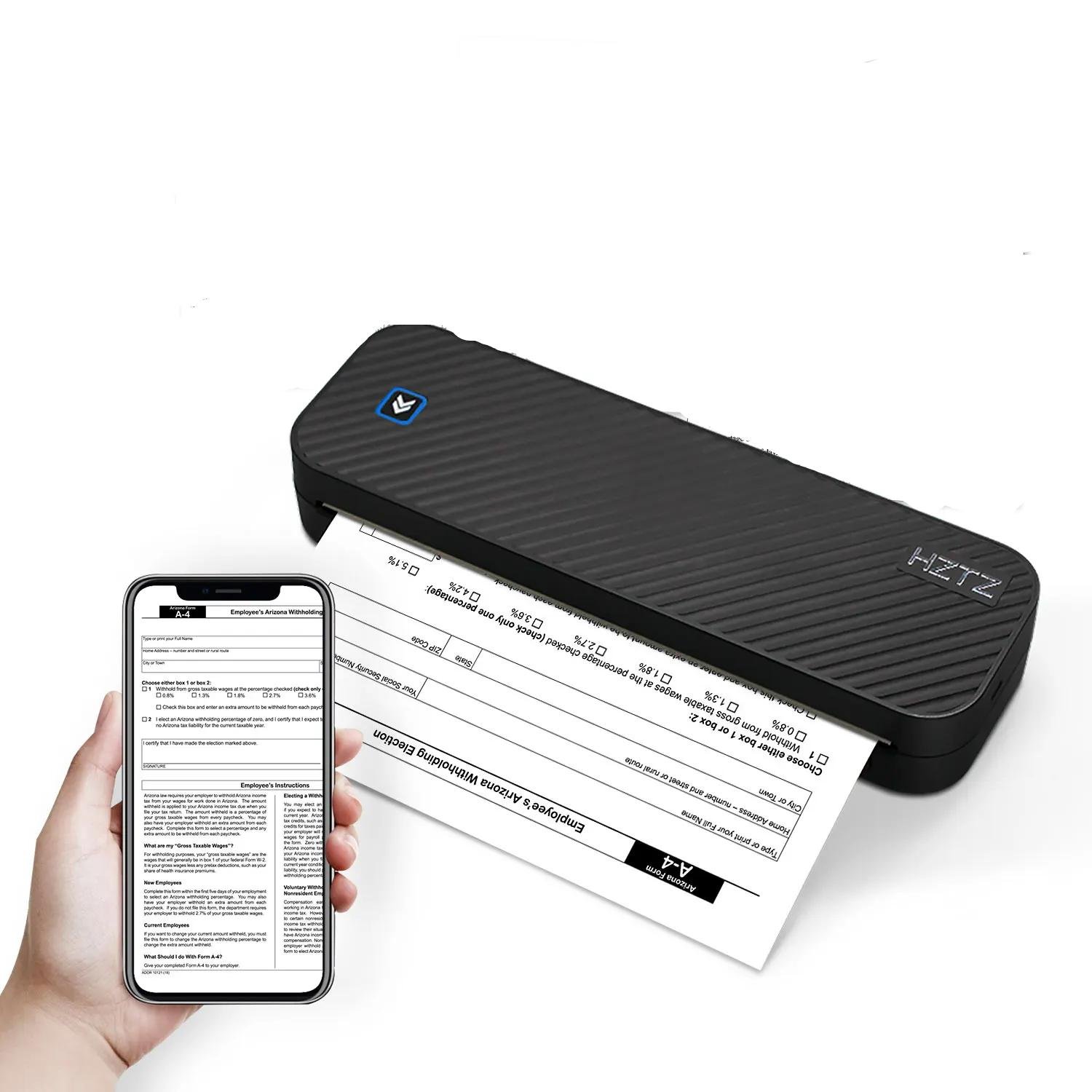
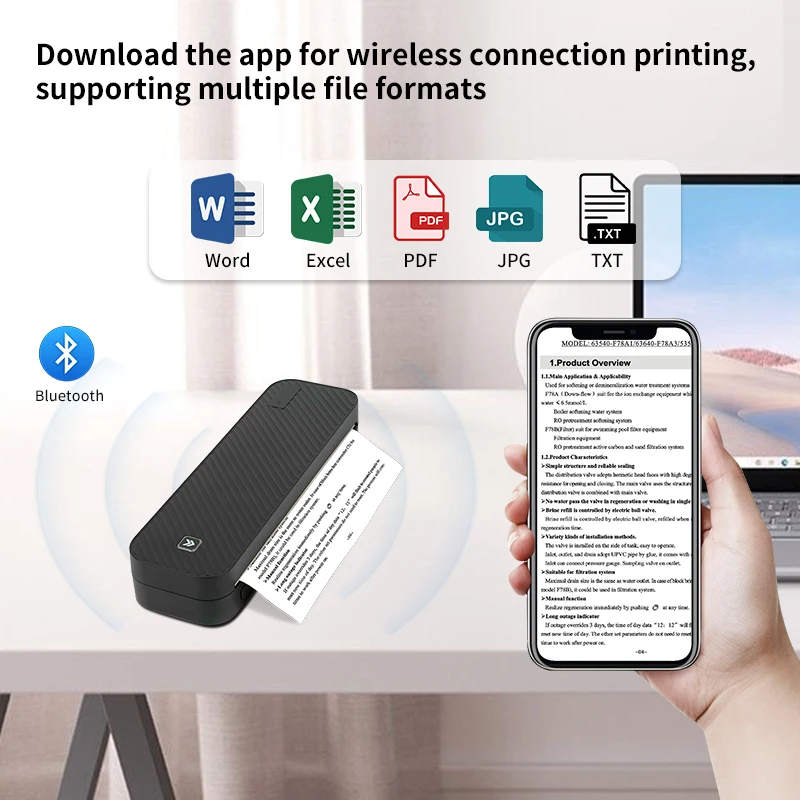
- The Inkless Portable A4 Thermal Printer uses Bluetooth connectivity for wireless printing tasks.
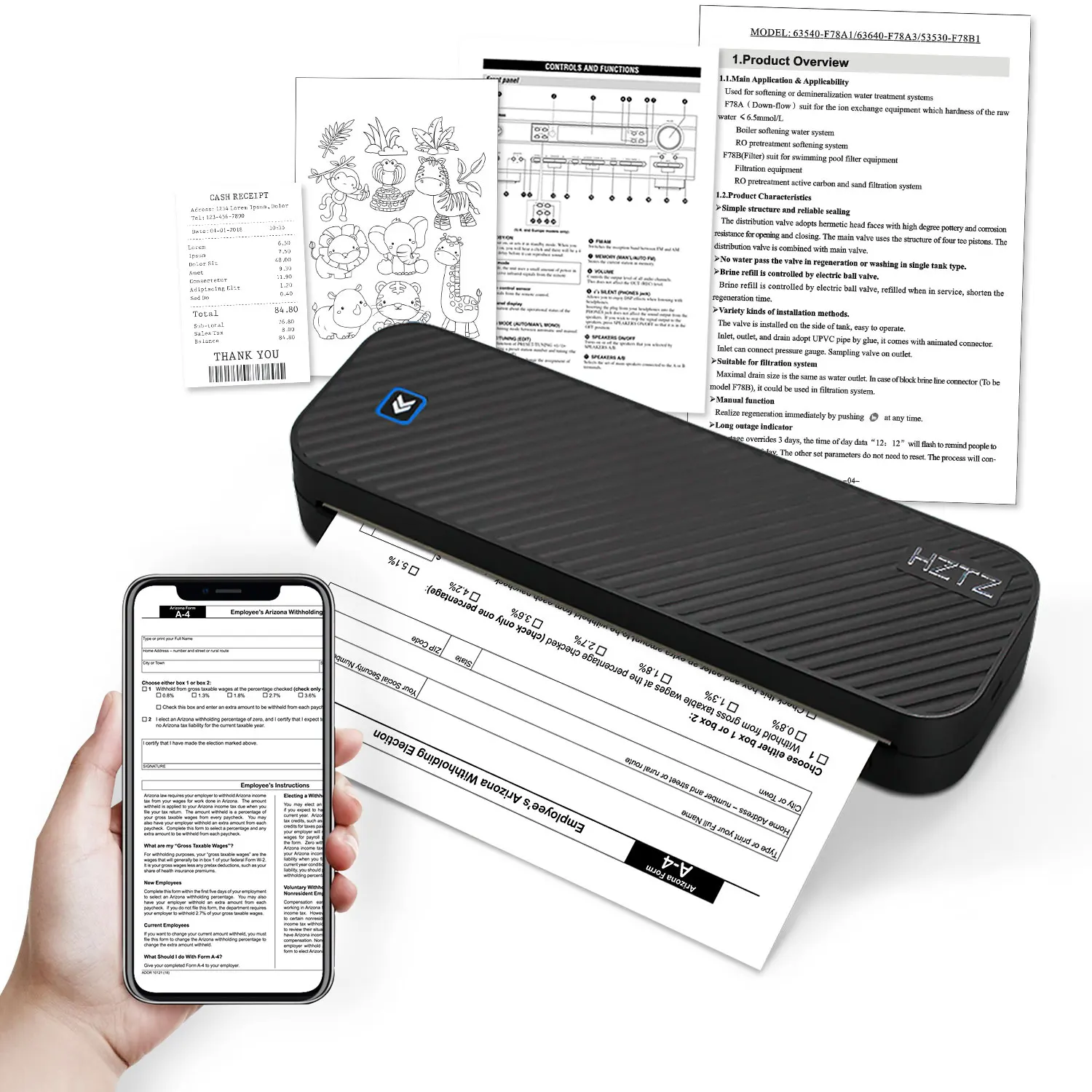
- Its printing capabilities extend to various formats such as PDF, Excel, and Word documents.
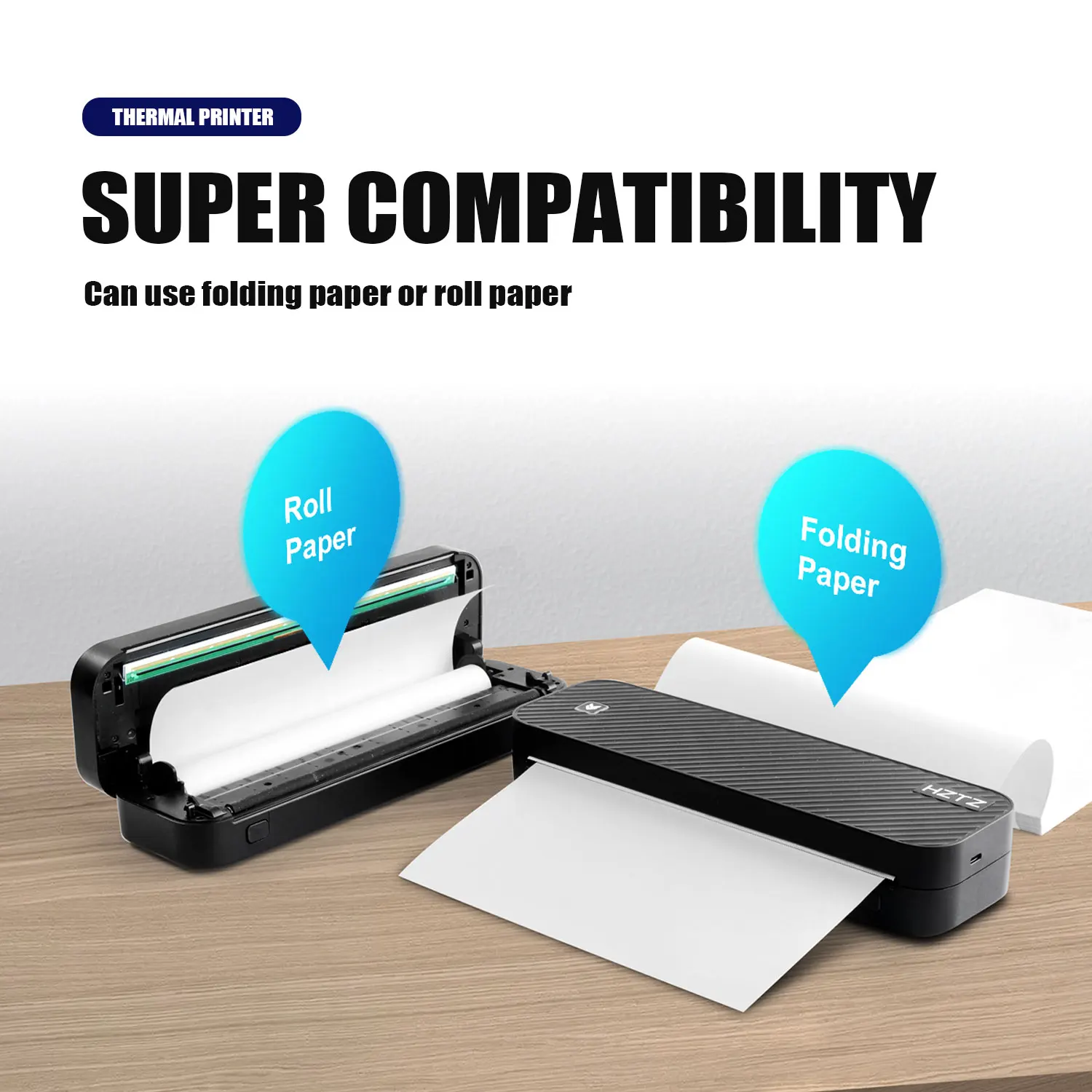
- The printer is designed for use with paper rolls, allowing for continuous printing without the need for constant paper replacement.
- It’s a versatile device that can be used in various environments including offices, homes, and schools.
- As an inkless printer, it uses thermal technology to print, eliminating the need for expensive and often messy ink cartridges.
83 in stock
$99.00
83 in stock
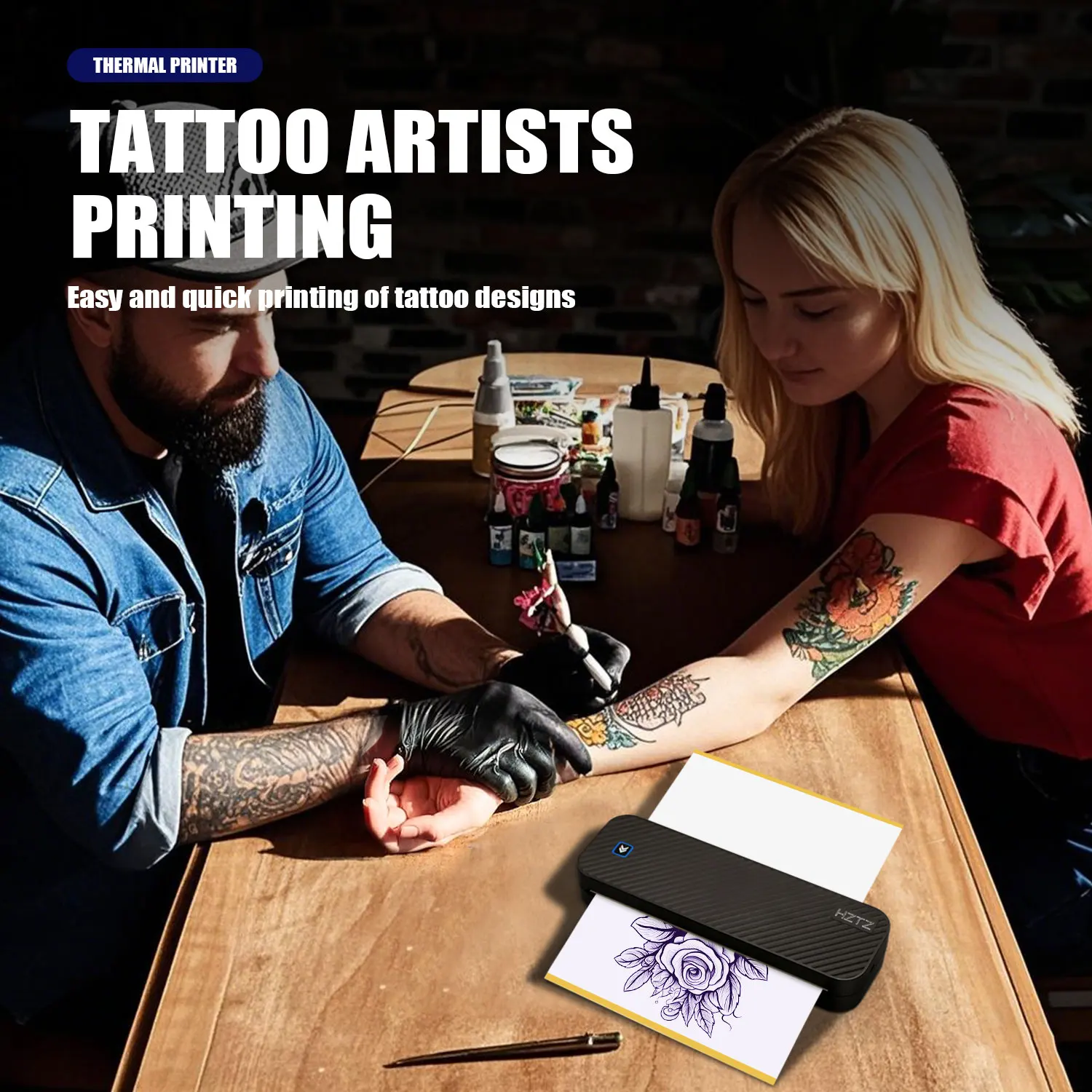
The Inkless Portable A4 Thermal Printer is a versatile tool ideal for working professionals, students, or homeowners who regularly need to print documents. This plug-and-play device expels the need for ink, saving cost, and eliminating the hassle of refills. Owing to its thermal printing technology, it offers a convenient way of producing clear black and white prints. This machine connects to devices through Bluetooth and is proficient in printing documents in various formats such as PDF, Excel, and Word.
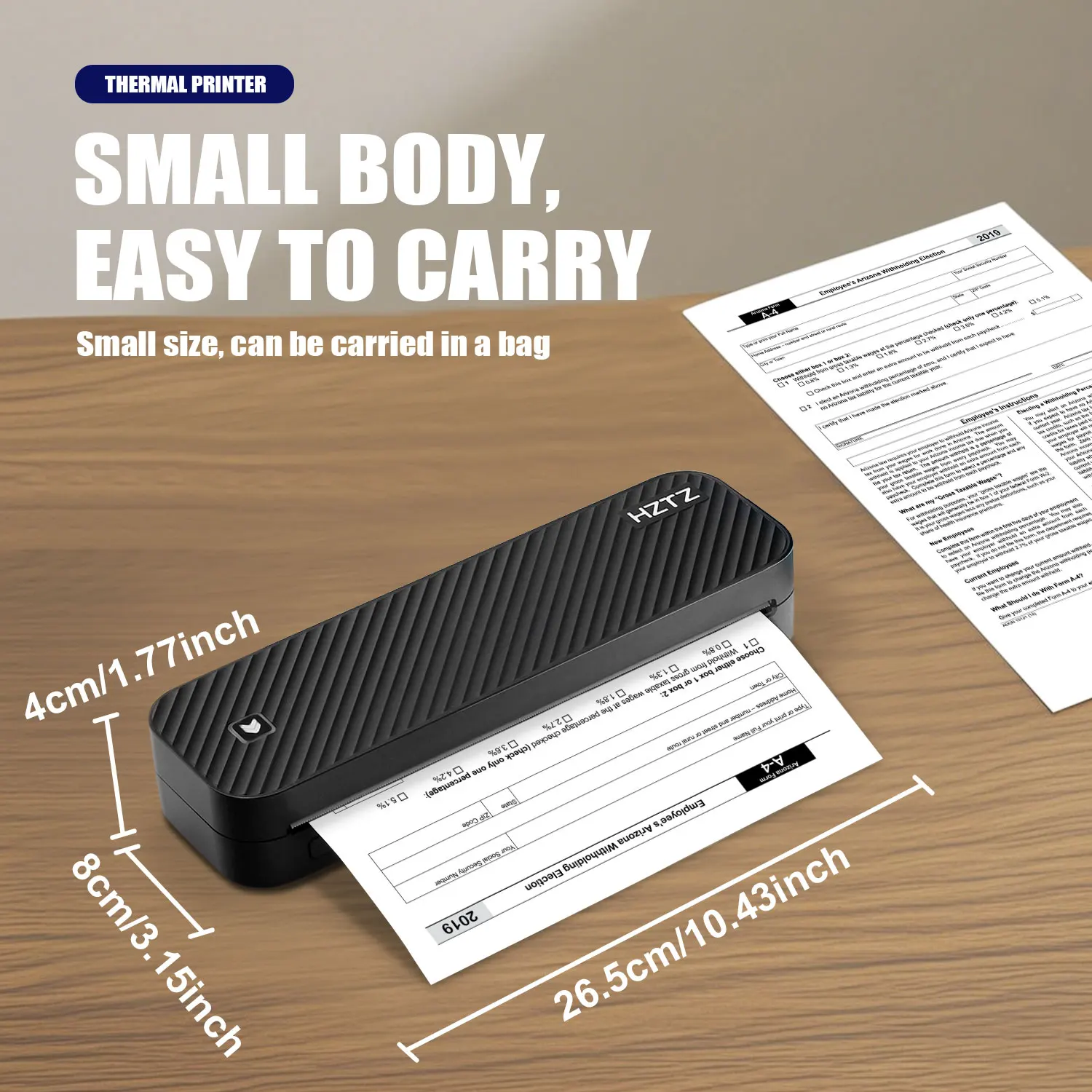
The printer is characterized by its handy, portable design, making it an easy fit in a range of settings, from offices to homes, and even for travel. It relies on the use of A4 size thermal paper rolls, which are simple to install and replace. Importantly, the usage of this machine is ecological as it minimizes the waste usually generated by traditional ink cartridges. The Inkless Portable A4 Thermal Printer provides a smooth and consistent performance for an array of printing tasks, be it for academics, business, or personal purposes. It simplifies printing by merging technological advancement with user-friendly operation and environmental sustainability.
iPhone Mobile App Printing
·Step 1: Press and hold the power button for 2 seconds to turn on the printer.
·Step 2: Search 【EasyPrint】and download App in the mobile app store.
·Step 3: Open the App,and search for the connected printer according to the prompts in the App.
Or double click the power button to print the QR code, and scan the code with the App to
connect to the printer. (Tips: Don’t connect printer in the mobile phone Bluetooth settings.)
·Step 4: Select and edit the content to be printed in the App,confirm and print.
App download:Find ” EasyPrint “on Google Play Or App Store.


Computer Printing
·Step 1: Press and hold the power button for 2 seconds to turn on the printer.
·Step 2: Connect the printer to computer with the original UsB cable.
·Step 3: Visit the official website//g zhztz.com/en/to download and install printer driver.
·Step 4: When printing the required documents, select the printer to print.


Based on 10 reviews
Add a review
Related products
-
Gadgets
2.7K Mini FPV Eyeglasses Video Shooting Micro-camera HD WiFi Intelligent Headset Glasses Video&Sound Recording WiFi APP Control
 Gadgets
2.7K Mini FPV Eyeglasses Video Shooting Micro-camera HD WiFi Intelligent Headset Glasses Video&Sound Recording WiFi APP Control
📦 In Stock – Fast Processing
🛡️ Lifetime Warranty
🔄 Money-Back Guarantee- The 2.7K Mini FPV Eyeglasses come equipped with a video shooting micro-camera.
- These glasses offer HD WiFi capabilities, enabling wireless transmission of captured data.
- They are classified as intelligent headset glasses, offering advanced technologies beyond standard eyewear.
- Video and sound recording features allow users to capture audio-visual data directly from their eyewear.
- The product comes with WiFi APP control, enabling users to operate and manage the device directly through a smartphone application.
- Package includes:
- 1 x Camera
- 1 x Anti-glare Blue Light Blocking Glasses
- 1 x Eyeglasses Storage Box
- 1 x Velvet Bag
- 1 x 32GB SD Card
- 1 x Type-C Data Cable
- 1 x English and Chinese Manual
SKU: n/a -
Gadgets
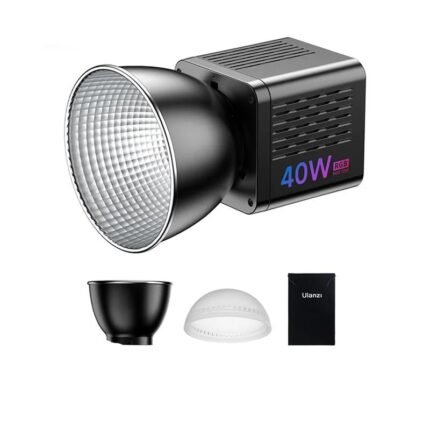
40W RGB Video Light 2500-6500K Bi-color 0-359° RGB COB Light Mini Bowens Mount Fill Light 3400mAh COB Light
 Gadgets
40W RGB Video Light 2500-6500K Bi-color 0-359° RGB COB Light Mini Bowens Mount Fill Light 3400mAh COB Light
📦 In Stock – Fast Processing
🛡️ Lifetime Warranty
🔄 Money-Back Guarantee- The 40W RGB Video Light has a color temperature range of 2500-6500k, allowing for versatile lighting in different filming situations.
- This light has a bicolor 0-359° RGB COB characteristic, meaning it can provide full-color output and not just fixed colors.
- It features a mini Bowens mount, a common attachment system, making it compatible with a wide range of light shaping tools and accessories.
- It is equipped with a 3400mAh battery for portable and efficient power usage, which can be essential for on-location shoots.
- The product’s built-in COB (Chip On Board) technology provides higher efficiency and is known for its excellent heat dissipation, potentially lengthening the lifespan of the light.
SKU: n/a -
Gadgets
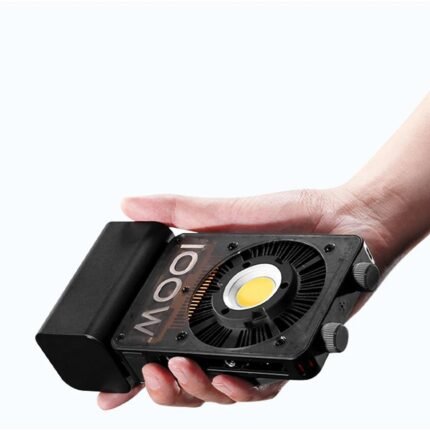
100W Handheld Led COB Light Pocket Video Light Bi Color Photo Fill Light Photography Lighting
 Gadgets
100W Handheld Led COB Light Pocket Video Light Bi Color Photo Fill Light Photography Lighting
📦 In Stock – Fast Processing
🛡️ Lifetime Warranty
🔄 Money-Back Guarantee- Bi-color Temperature:Seamlessly adjust light color from 2700K to 6200K with the Bi-color CX100.
- Versatile Lighting:From photographic strobe to video fill, the CX100 adapts to various scenes.
- DynaVort Cooling System:Innovative cooling system maintains optimal performance in high-intensity use.
- Integrated Battery:High-capacity battery ensures long-lasting use and easy charging.
- Zhiyun Cx100 Light|Cinepeer 100w|Portability & Weight:Ultra-light at 710g, the Zhiyun CX100 is designed for on-the-go photography.
- The 100W Handheld Led COB Light is a portable photography lighting tool.
- It produces a bi-color light, meaning it can switch between two different colour temperatures.
- The product is designed to assist with video recording and photography by providing fill light for improved image quality.
- The device can be handheld, which adds to its convenience and ease of use.
- It utilizes COB (chip-on-board) technology, which is known for its energy efficiency and high brightness.
SKU: n/a -
Gadgets
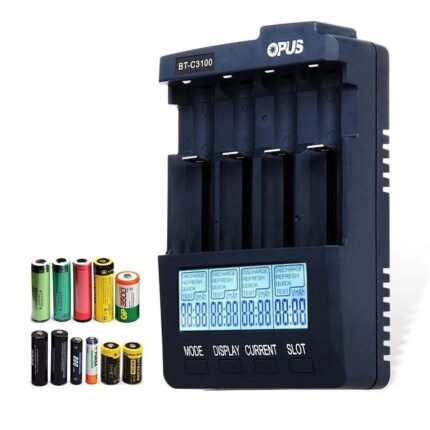
Universal Four Slots LCD Screen Replenisher Smart Rechargeable Smart Battery Charger Accessories and Parts
 Gadgets
Universal Four Slots LCD Screen Replenisher Smart Rechargeable Smart Battery Charger Accessories and Parts
📦 In Stock – Fast Processing
🛡️ Lifetime Warranty
🔄 Money-Back Guarantee- The Universal Four Slots LCD Screen Replenisher features a rechargeable function for multiple batteries at once.
- Its smart technology allows it to detect the level of charge in each battery and adjust its output accordingly.
- The LCD screen on the device provides real-time information about the charging status of each individual battery slot.
- Apart from charging, the device also offers the function of rejuvenating worn-out batteries, extending their life span.
- This product is an accessory and part of a broader range of devices, implying it can be used in combination with other equipment for optimal performance.
SKU: n/a -
Gadgets
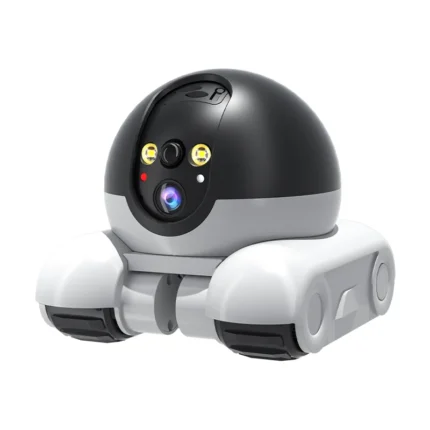
4MP V360pro APP Running Dual Lens IP Dome Camera Full Color AI Humanoid Detection Home Security CCTV Baby Monitor
 Gadgets
4MP V360pro APP Running Dual Lens IP Dome Camera Full Color AI Humanoid Detection Home Security CCTV Baby Monitor
📦 In Stock – Fast Processing
🛡️ Lifetime Warranty
🔄 Money-Back Guarantee- The 4MP V360pro APP Running Dual Lens IP Dome Camera is designed for home security purposes and as a baby monitoring device.
- The device includes dual lens surveillance for comprehensive coverage and better image clarity.
- It features AI Humanoid Detection that helps in accurately identifying human presence, reducing false alarms.
- The dome camera operates in full color, improving visibility and detail in captured footage.
- It can be controlled and monitored remotely through the V360pro APP, offering real-time monitoring and making it a convenient tool for homeowners.
SKU: n/a
D***t (verified owner) –
Cette imprimante me paraissait bien mais tout était en chinois donc pour moi impossible de comprendre le fonctionnement dommage
D***t –
Customer (verified owner) –
Arrived today excellent service, Printer not used yet.
Customer –
j***s (verified owner) –
excelente, muito rápido na impressão , conectei com o app fx print uma maravilha
j***s –
R***e (verified owner) –
Exactly as advertised….Easy to set up…. was printing with it within five minutes of unpacking it….
R***e –
R***a (verified owner) –
****************************** ****************************** ****************************** ****************************** ****************************** ******************************
R***a –
f***o (verified owner) –
perfetta. ottima qualità di stampa.
f***o –
r***n (verified owner) –
Precies zoals geadverteerd en werkt snel en perfect.👍
r***n –
N***k (verified owner) –
Принтер супер, папір в наборі хорошої цупкості – для друку тимчасових файлів/конспектів/результатів аналізів і тд просто супер. !!! Зверніть увагу, що в інструкції неправильно намальовано яким боком вкладати рулон, папір має виходити з-під нього, а не зверху. До додатку підключився принтер дуже легко і швидко, хоч він і весь китайською, але навіть без перекладача інтуїтивно зрозуміло що і де. Доставка була Новою Поштою, приїхав дуже швидко – 9 днів до Львова. Друкує швидко, на аркуш А4 йде секунд 10. Покупкою дуже задоволена, рекомендую
N***k –
Customer (verified owner) –
안드로이드 환경에서는 앱이 느려서 100장 이상되는 문서는 여는게 답답해서 안되고 열어도 발췌할페이지 몇장 뽑는건 어렵다고 봅니다. 한두장짜리 다운받아뽑는건 잘될거고 이미지 파일도 인쇄가 잘됩니다. 앱은 중국어이고 영어로 안바뀝니다 감으로 쓸수있습니다. 컴퓨터랑 연결은 기본프린트로 지정되니까 문서보다가 필요한 부분인쇄하긴 좋습니다. 각잡고 쓰려면 앱이 괜찮은 제품이 나을것같고 그냥 간간히 한두장 뽑는건 이정도로 될거같아요. 재미삼아쓰실분은 가성비로 괜찮고 쓸만합니다. 좀 많이쓰고 활용하고자하면 앱도 좋고wife까지 되는게 좋지 않을까합니다.
Customer –
F***r (verified owner) –
Article conforme à l’annonce. Satisfait de la commande. Imprimé et collé … imprimé et collé à l’infini !
F***r –